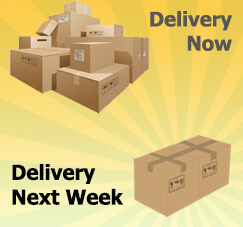
When you do business with your customers, some of them don’t allow you to do partial delivery.
There are 2 options to prevent this kind of errors when delivering goods to the customer. One of them is by using the feature that has been provided on business partner master data.
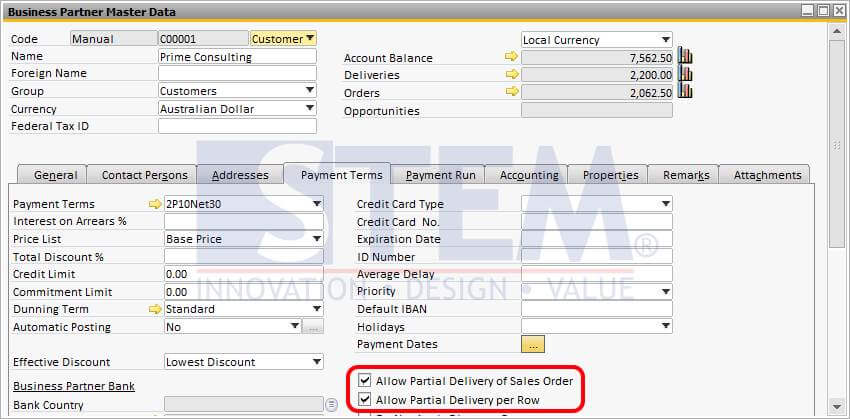
Allow Partial Delivery of Sales Order :
- When selected, it will allow partial copying of rows from a sales order to a target document.
- When deselected, you must copy the complete sales order to a target document
Allow Partial Delivery per Row :
- When selected, it will allow partial copying of quantity from a sales order to a target document.
- When deselected, you must copy all items in a row from a sales order to a target document.
Also read relevant SAP Business One Tips:
- Locked Function in Warehouse List of Item Master Data
- How to Check Item Stock Availability in SAP Business One
- SAP Business One 10 Document Printing Enhancements
- How to Define Item Groups in SAP Business One
- Currency Disabled in SAP B1 Payment Means – Fix Tips
- How to Change BOM Component in SAP Business One