Sometimes, if you’re using SAP B1 for mobile, and you had a problem about certificate error or connection error.
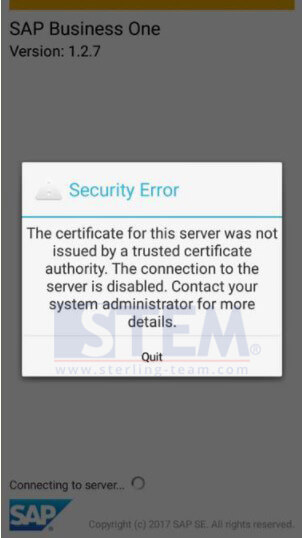
You need to check your connection, is it disabled or not. So, we’ll make sure that port is open.
SAP Mobile SSL Port is 8443.
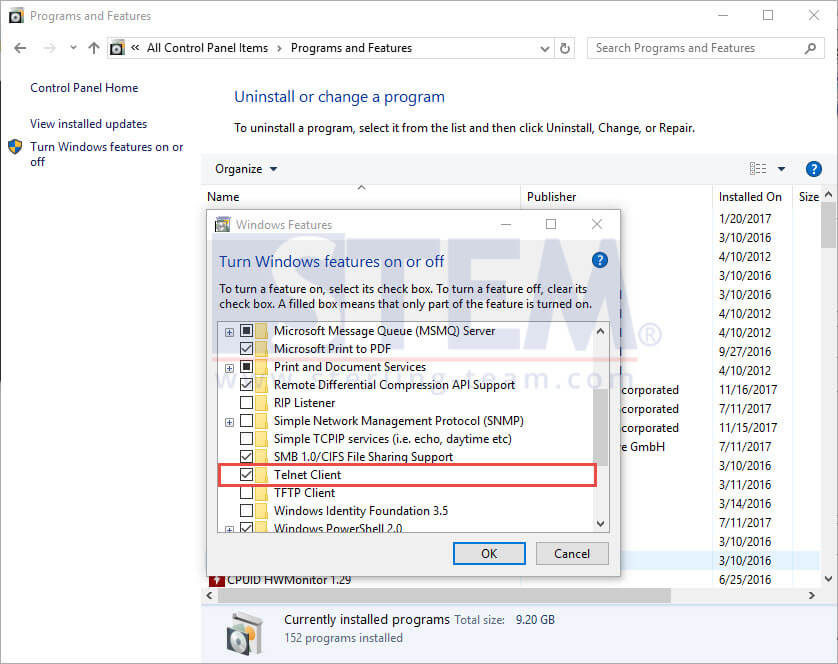
Using a windows feature called Telnet.
First, please install it from Control Panel – Programs and Features, wait until the installation process is finished.
Using Command Prompt.
For checking, type: telnet [your server IP Address][your port] then hit enter.
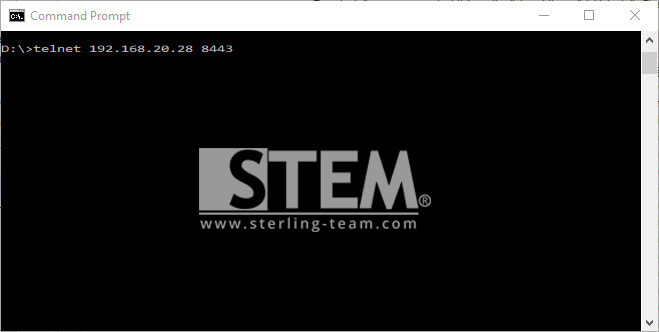 (example: telnet 192.168.20.28 8443)
If the result “……. Could not open connection……Connect failed” (picture below)

It means your port 8443 was closed, and connection won’t be successful on your SAP Mobile to your server.
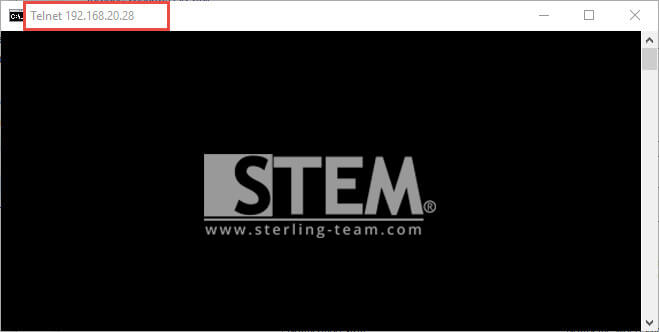
If your screen showing blank only (picture below), your connection was fine and open for connecting your SAP Mobile to your server.