



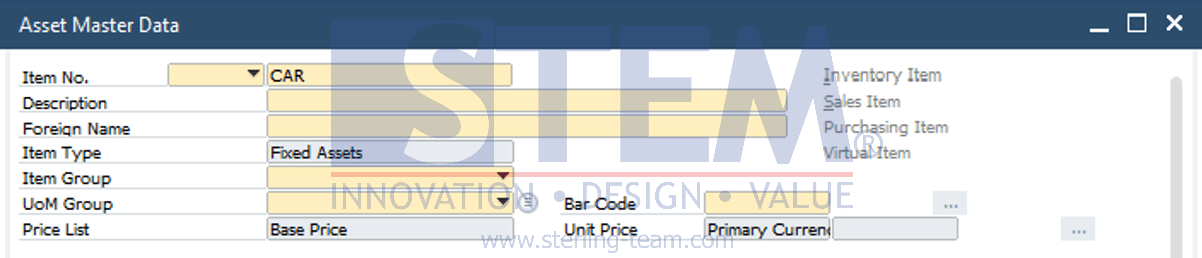
In SAP B1, you can search for data within a window by entering Find mode (press CTRL+F) and enter relevant values into each field. Fields that can be used as search criteria are marked in yellow. However, in some cases, the search results may be too broad and not match the expected outcome.
If the search results are too extensive, you can adjust the search preferences by enabling the “Enable Case Sensitive Search” option. This option can be found under Administration > System Initialization > General Setting > Display Tab.
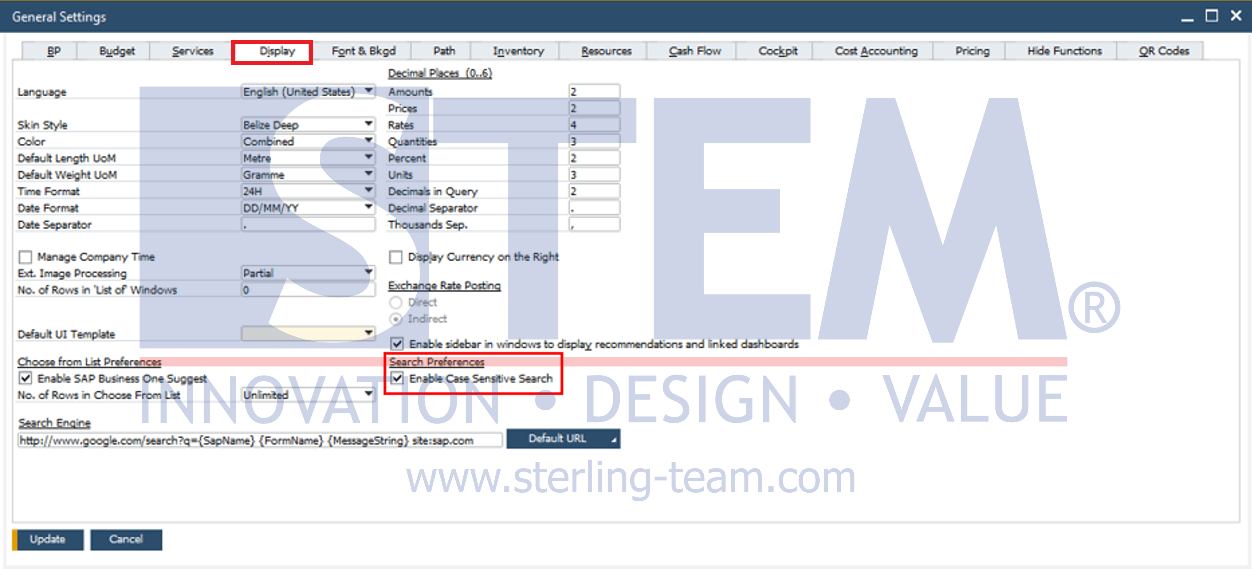
By enabling this option, the system will differentiate between uppercase and lowercase letters in the entered search keywords, displaying only results that exactly match the input. This allows for more precise searches and helps users obtain more relevant results.
Getting Too Many Search Results in SAP B1?
Discover how to make data searches more accurate and relevant. Optimize SAP Business One to help your team work more efficiently.
Also read relevant SAP Business One Tips: