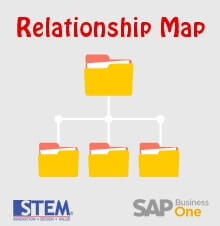
Another helpful feature from SAP Business One is “Relationship Map”. This feature allows you to see what other document related to your document, or how far your document has been processed.
To use this feature, right click on an open document and choose “Relationship Map”. In this example, we want to see what other documents have a relation to this Purchase Order.

And the result will be shown like this :

From this result, we can know that this Purchase order has been received, invoiced and paid.
To open the related document, double-click the desired document box.
This feature is available starting from SAP Business One version 8.82 and above
Also read relevant SAP Business One Tips:
- Asset Value Date in A/P Invoice SAP Business One
- Recalculate Gross Profit with SAP Business One Wizard
- How to Hide Inactive Contact Persons in SAP Business One
- Drag & Drop Attachment Feature in SAP Business One
- LIFO Bin Location in SAP Business One: How It Works
- Compare Financial Statements in SAP Business One