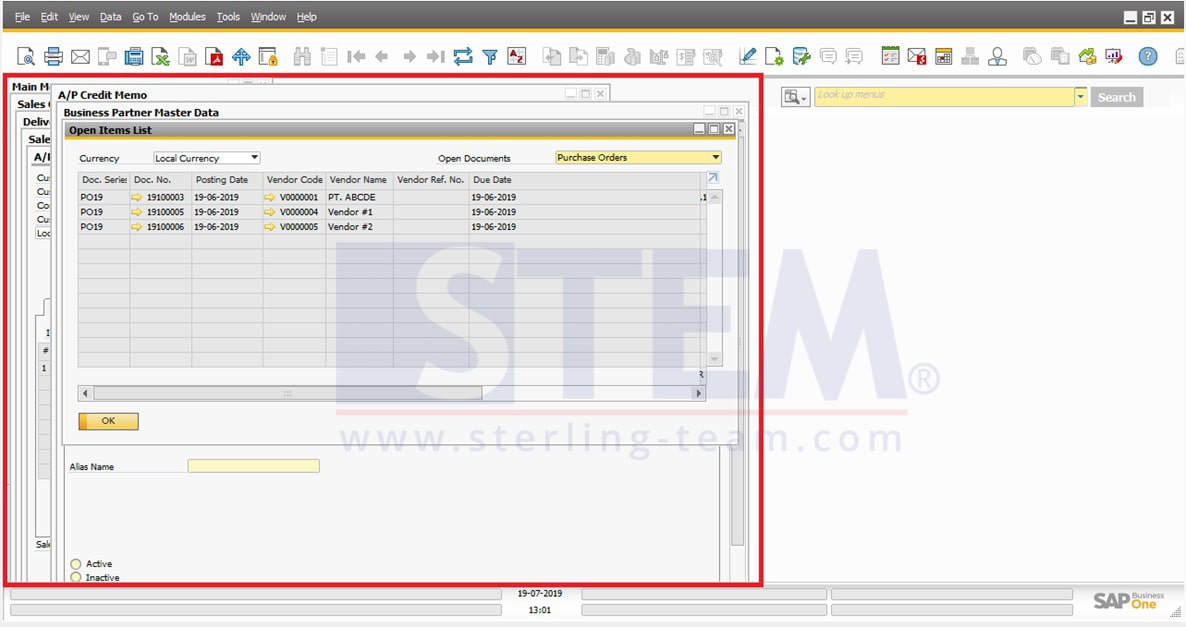
On your daily job, when we open SAP Business One and already opened too many menus/screens like this:
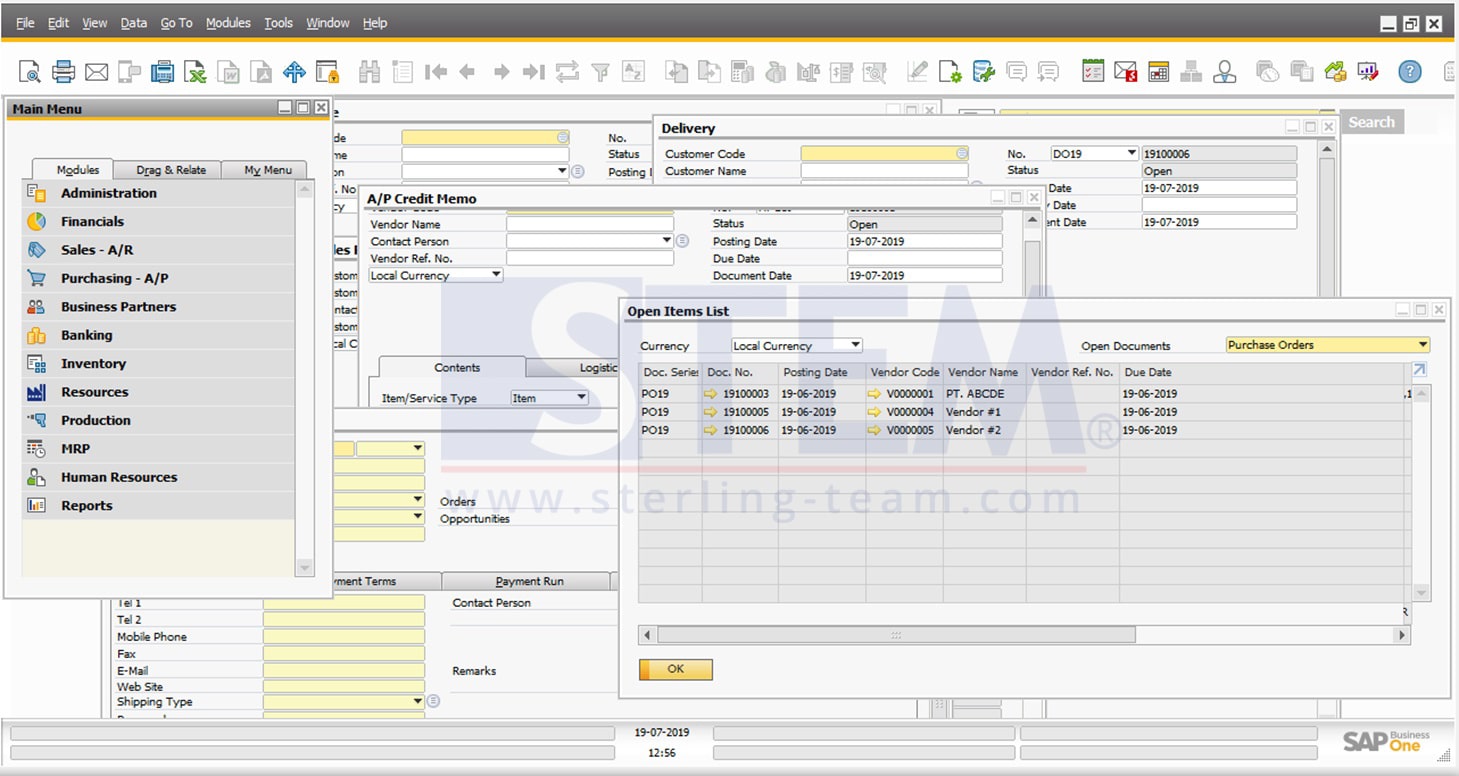
Displayed screen like illustration above, looks bothering and difficult to see, you must overcome with an arrangement that is easier to see, so that we can complete the work more easily and more comfortably using the cascade window feature.
Please access to menubar: Window > Cascade
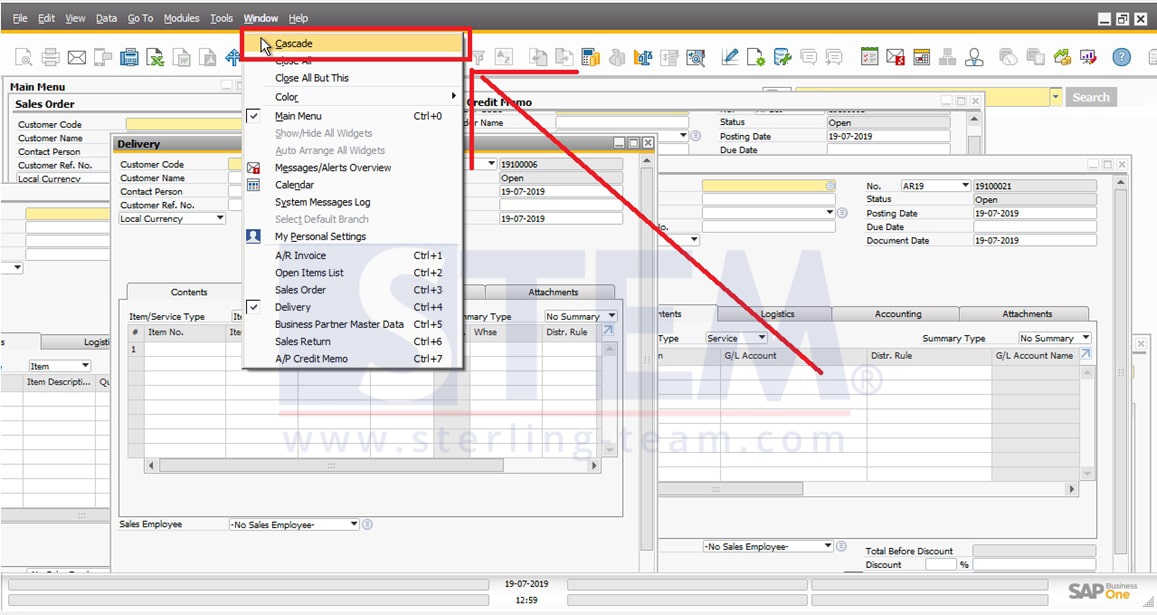
After click option Cascade, system will automatically rearranged your screen layout like a waterfall, and all screens title still can be seen easily, and it’s won’t be difficult for find some specific screen.