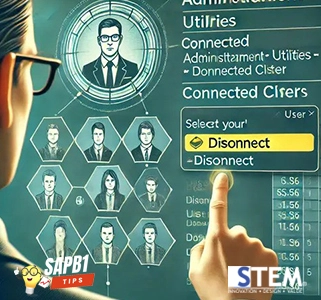
In SAP Business One, you may sometimes need to check who is currently accessing the system or disconnect their access if they have forgotten to log off. This can be done by selecting the Administration > Utilities > Connected Client menu. The Connected Client menu displays a list of all users who are currently logged into SAP Business One. You can disconnect a user from the system by selecting their name and clicking the Disconnect button. However, users sometimes encounter the following error when trying to open the Connected Client menu.
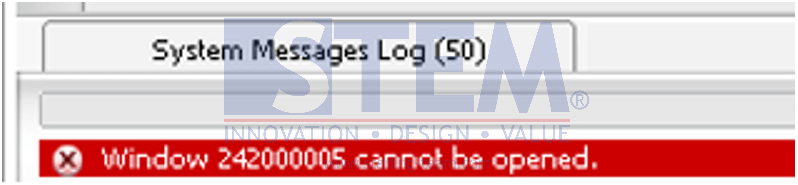
To resolve this issue, you need to log off from SAP and then log back in. This issue can occur if the user first logs in with the manager account, then logs in with another account, and then logs in again with the manager account.
Can’t Open Connected Client?
This issue is often caused by hidden login session conflicts. If the problem persists, our team can help analyze the root cause and provide the right solution.