
Creating opportunities for Leads and Customers is a well-known functionality, but..
What about Vendors?
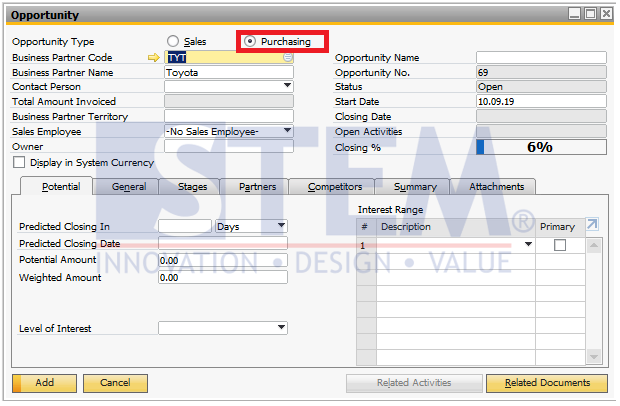
SAP Business One enables you to create opportunities also for Vendors.
Just open the Opportunity window, then select the opportunity type Purchasing. Now choose the required Vendor and create the opportunity!
All the reports are enhanced to consider the opportunities for Vendors.
Also read relevant SAP Business One Tips:
- How to Create Down Payment in SAP Business One
- New Feature: Duplicate Check for Business Partners in SAP Business One 10.0 FP 2508
- Create & Update Parameters in SAP Crystal Reports
- Enable Address ID Updates for Business Partner in SAP B1
- How to Create Cockpit Template in SAP B1 HANA (Fiori)
- Enhanced SAP B1 Change Log with Timestamp Columns