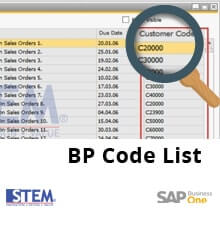
Sometimes we need to search by Business Partner (BP) Code when we want to search posted marketing document (List of BP/Marketing Doc). Even if we already add “Customer/Vendor Code” from “Form Settings”, it will still show BP Name.
Here is the step to show BP Code:
- Make sure you already add “Customer/Vendor Code” from “Form Settings”
- Untick “Display Descr.” And then click Update
- Close List of BP/Marketing Doc window and then re-open it. The Customer / Vendor Code column will show BP Code instead of BP Name.


Also read relevant SAP Business One Tips:
- Set Search Result View in Choose From List SAP B1
- Change CPL Display by Toggling Display Description SAP B1
- Custom SAP B1 Queries with Golden Arrows Guide
- Set Default Currency & Hide All Currencies in SAP B1
- Add Search Criteria in SAP B1 Form Settings
- SAP Business One Form Types Explained with Practical Examples