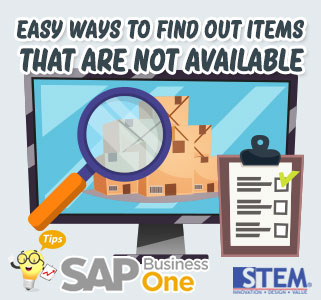
“My company continues to grow, Production and Sales are increasing, is it needed more effort to find out the items that are not available in order to do a purchase/production planning?”. That’s about the questions that are often asked. Now, if you use SAP Business One, the answer is “NO“.
You simply open the Open Item List menu > Select Open Document as Missing Items
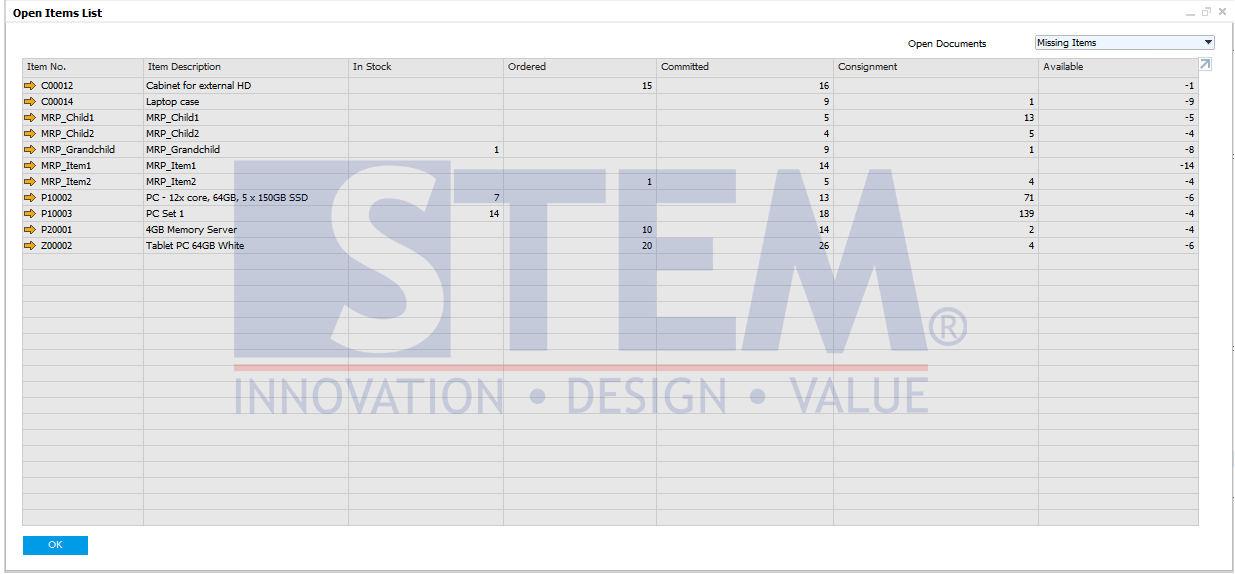
SAP Business One Tips – Easy Ways to Find Out Items That Are Not Available
In just a few clicks, you can find out all items that are not currently available. From this report, you can easily do purchasing and production planning.
Also read relevant SAP Business One Tips:
- Locked Function in Warehouse List of Item Master Data
- How to Check Item Stock Availability in SAP Business One
- Update Production Orders After Close/Cancel in SAP B1
- How to Set User Authorization to View Discount Price in SAP B1
- Change CPL Display by Toggling Display Description SAP B1
- How to Manage Drop Ship Warehouse in SAP B1