If you created some custom Analytical/Calculation View using HANA Modeling, you can now generate Select SQL from it, with effortless step by step below :
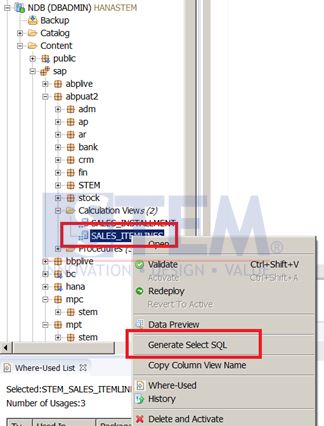
- Open HANA Studio, expand “Content” Tab
- Select Calculation View that you want to generate “Select SQL” statement, right click on it
- Click on “Generate Select SQL” option.
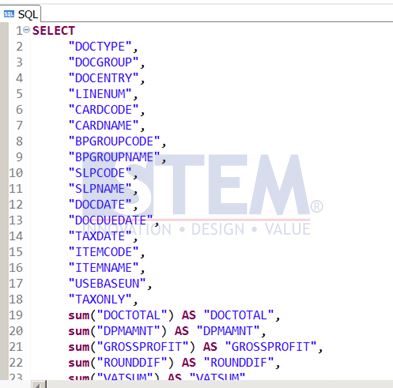
Then, a new SQL Console window will be opened with generated Select SQL automatically.