
SAP Business One is a robust ERP solution that empowers businesses with powerful data analytics and visualization tools. Dashboards play a crucial role in providing real-time insights and helping users make informed decisions. However, while creating a new dashboard, you may encounter the frustrating “Error occurred while executing the data source” message.
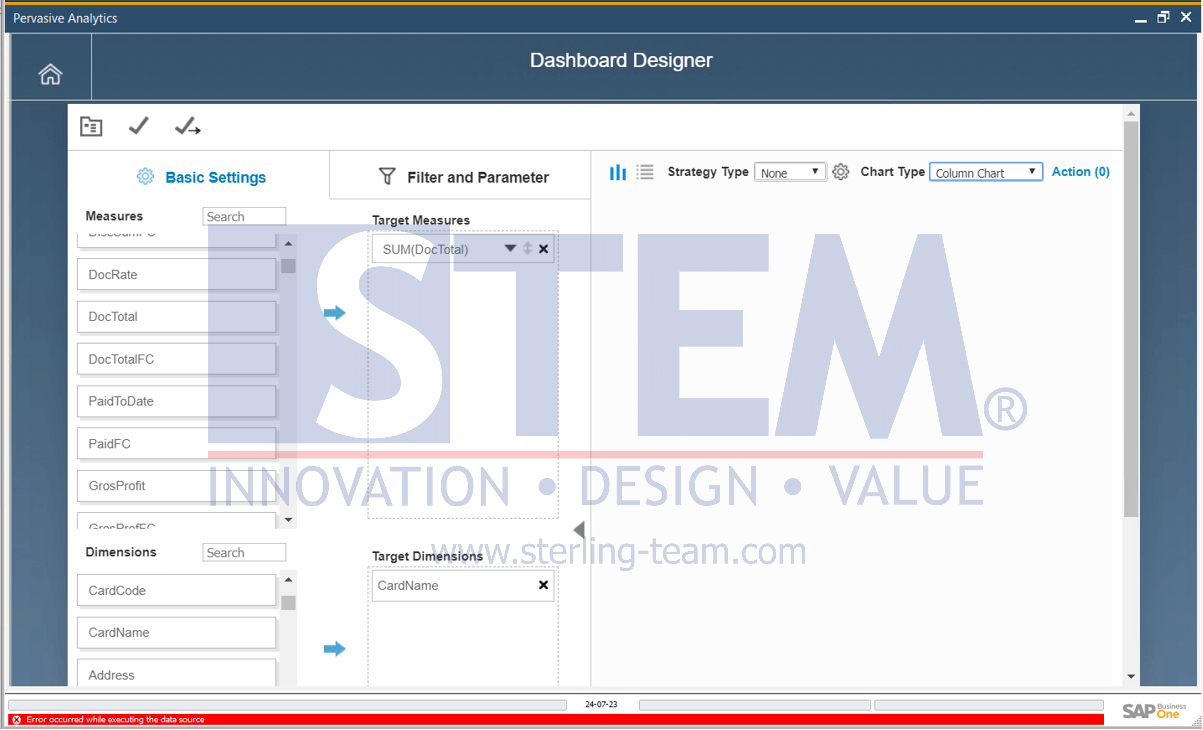
This error can occur for several reasons, but here is one simple tip that users might overlook, and miss is to
“Avoid using semicolon ‘;’ as a last character in your syntax query for dashboard”.
To avoid this error, simply remove the semicolon from the end of your syntax query. For example, if your syntax query is:
You would need to change it to
By avoiding the semicolon at the end of your query, you can prevent the occurrence of the error.
I hope this helps!
Also read relevant SAP Business One Tips:
- How to Deactivate a Warehouse in SAP Business One
- How to Create UDO Template for SAP B1 Data Import
- Fix DTW Upload Error Caused by Special Characters
- Fix “No Matching Record” Error in Approval Report
- Fix Error When Previewing or Printing Crystal Report
- Fix Recurring Posting Failed to Create Journal Entry