Previously, when we wanted to view a referenced document, we had to find the document where the attachment was inserted.
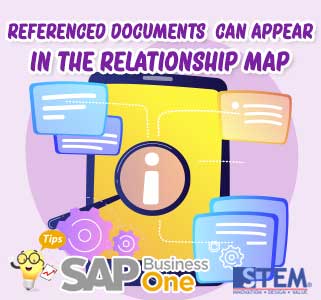
Now SAP Business One has a feature that Referenced Documents can appear on the relationship map.
Check the referenced document field at the bottom, then the attached document will appear displayed with a connecting line of red dots to visually distinguish them on relationship maps.
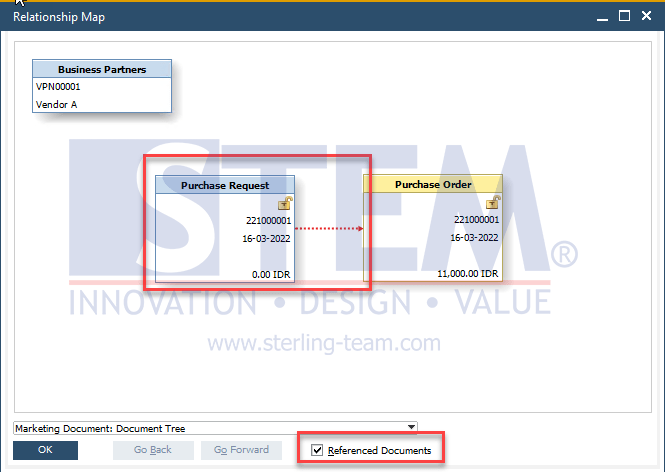
SAP Business One Tips – Referenced Documents can Appear in the Relationship Map
Available in SAP Business One 10.0 FP 2105 and SAP Business One 10.0 FP 2105, version for SAP HANA.
Also read relevant SAP Business One Tips:
- How to Set Authorization for Duplicating Documents in SAP Business One
- Limit Document Cancellation by Age in SAP Business One
- Attachments in SAP Business One: How It Works & Key Features
- Drag & Drop Attachment Feature in SAP Business One
- Landed Cost vs In-Stock Qty: Causes & Fixes
- Custom SAP B1 Queries with Golden Arrows Guide