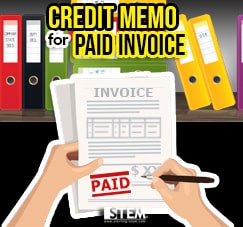
This article will be help for all of you who wants to know about how to create document credit memo for a paid invoice. Follow these steps:
- Open one of the paid invoice (paid).
- On your main screen of your invoice, right click on empty area.
- Choose Change Document Status to Open

- So, you will find an option Copy To on the bottom right side from your screen.
- Next, you can create a credit memo based on that invoice.
Also read relevant SAP Business One Tips:
- How to Create Down Payment in SAP Business One
- How to Cancel Manual Reconciliation in SAP Business One
- Limit Document Cancellation by Age in SAP Business One
- How to Show Draft No. Column in Document Drafts Report
- How to Add an Open Sales Orders Shortcut in SAP B1 Web Client
- How to Manage Attachments in SAP Business One