
When we are open any documents on SAP Business One, sometimes we find the column size is not enough to display all of the words, some words are not full displayed, like displayed on picture below.
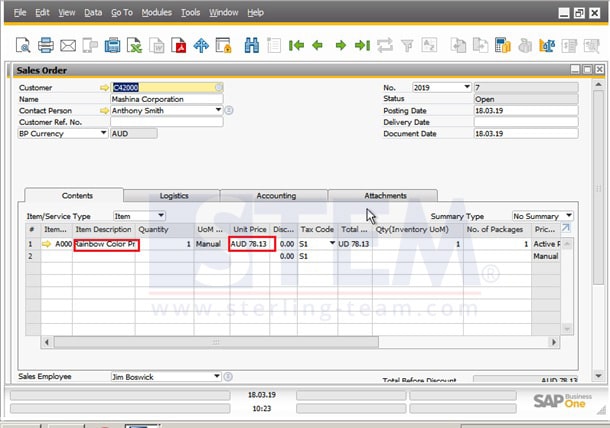
So, don’t worry, you don’t need to adjust manually for each column, you can use a feature called “Fit Column Width”.
Go to menu View > Fit Column Width

Click it, and all of your column will be perfectly displayed, without being cut off anymore.