Do you know, A/R Credit Memo status will always “Closed” if you created with ‘copy-from’ method, but you can still cancel that document?
Also read:
So, here is an example:
- You have an A/R Invoice, and linked to A/R Credit Memo to revise that invoice.
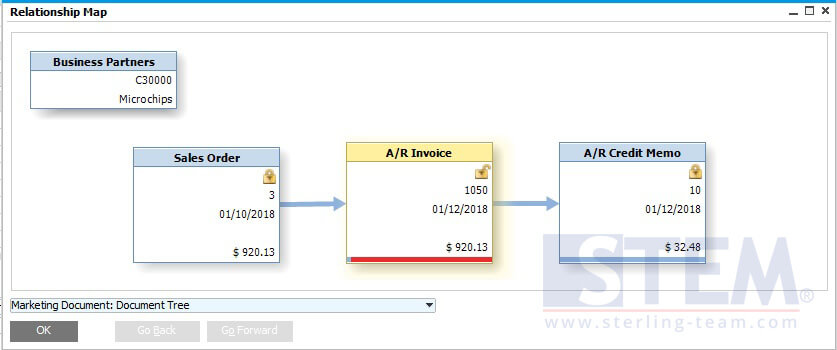
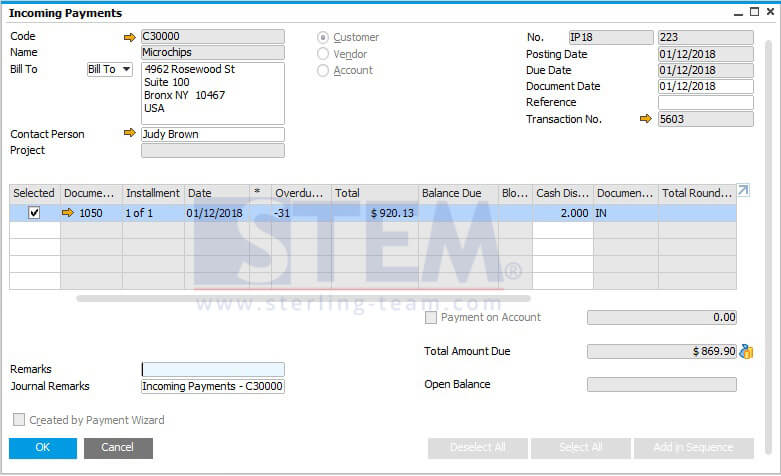
- Create Incoming Payment for that customer, so that invoice will be closed after payment added.
After add payment, the relationship map will be look like this:
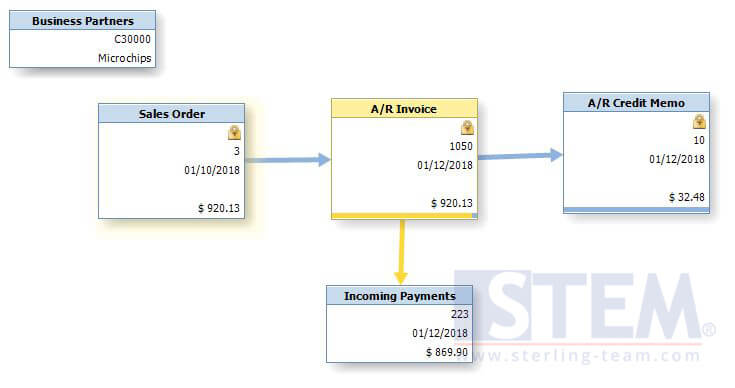
- You find that there are some mistakes on credit memo, that should be created for another invoice, not that invoice. And what to do next?Surprisingly, you still cancel that credit memo, although the status was already “Closed”.

Just right click on your credit memo, and choose “Cancel”.
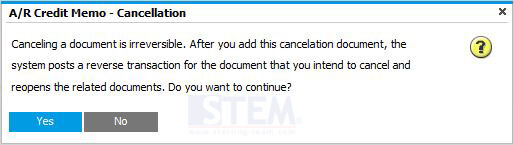
If there’s a notification about cancellation (picture above), choose Yes. - After you add cancellation document, your invoice will be re-opened again, and you can create a payment as usual or just create a reconciliation for closing that outstanding invoice.
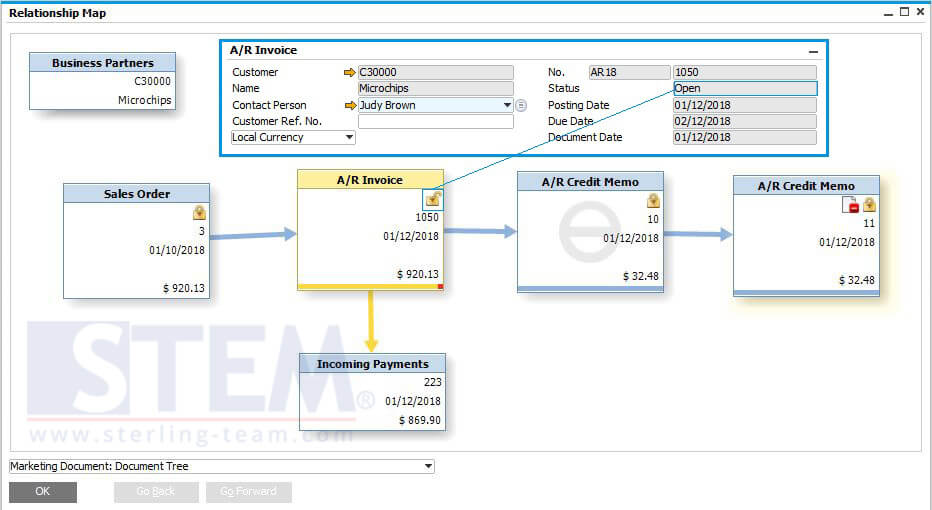
So, now you have a correct invoice.
Cheers.
Is Your A/R Credit Memo Already Closed?
Many users assume a Closed A/R Credit Memo cannot be canceled. If you’re facing the same issue, our team can help analyze your case and recommend the right solution for your SAP Business One business process.