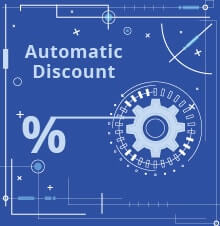
Supplier’s invoice sometimes not comes in details. It’s only show the qty, unit price and the total price, while we need to see the discount percentage.
To help you with that, SAP Business One has the ability to calculate the discount percentage right after you input the total price.

Simple yet helpful, so you don’t need to get your calculator out to see the discount.
Also read relevant SAP Business One Tips:
- SAP B1 Open Item List Sort Not Showing – Fix Guide
- How to Set User Authorization to View Discount Price in SAP B1
- SAP Business One Shortcut to See Last Price Fast
- Show Price List in SAP Business One Document Lines
- Ctrl+Tab Function in SAP Business One Warehouse
- Monitor Last Purchase & Selling Price in SAP Business One