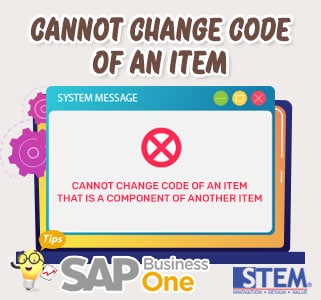
When updating Item Master Data, by ticking Sales/Inventory/Purchase Items there is a warning “Cannot change the code of an item that is a component of another item“.

SAP Business One Tips – Cannot Change Code of an Item That is a Component of Another Item
This is because in SAP there is an Item Master Data is being used as a Production process.
For example, you want to update the status to Sales Item, because normally the master item is Raw Material or it can be used as production support material.
So that this update can be done, follow these steps:
- Looking for all BOMs that contain item code errors.
- Make temporary revisions so that item code errors are not present in the BOM, for example deleting items from the BOM (Delete Row).
- Revise Item Master data for item code errors by ticking “Sales Item”.
- Returns the original BOM with an Add Row of newly revised items.
- Finished.
Also read relevant SAP Business One Tips:
- Change CPL Display by Toggling Display Description SAP B1
- Locked Function in Warehouse List of Item Master Data
- View Items or BOM in SAP Business One 10 Easily
- Currency Disabled in SAP B1 Payment Means – Fix Tips
- SAP B1 Open Item List Sort Not Showing – Fix Guide
- Enhanced BOM Description Update in SAP Business One v10